


AI Agent Hosting

OpenClaw Hosting

Run your own OpenClaw AI agent on a private cloud server. Choose OpenClaw when you order and it deploys automatically while your server is built. No manual setup. Just connect your AI model and your chat apps.
Starting from R299/mo
What you get
  • OpenClaw Deploys In One Click
  • Ubuntu 24.04 Ready
  • Dedicated vCPU And RAM
  • Full Root SSH Access
OpenClaw Plans

Pick Your OpenClaw Server

OpenClaw deploys in one click on every plan. OpenClaw needs at least 4 GB of RAM, and our smallest plan already has 8 GB.

Starter Cloud VPS

R299/mo
Billed monthly
Order With OpenClaw
  • 100 GB  SSD Storage
  • 8 GB  Dedicated RAM
  • 4 vCPU  Cores
  • Unlimited  Traffic, 200 Mbit/s Port
  • Dedicated  IPv4 & IPv6 Address
  • 1  Snapshot
  • Full Root Access
  • 1-Click Apps: n8n, OpenClaw, Docker
  • 30-Days  Money-Back

Plus Cloud VPS

R449/mo
Billed monthly
Order With OpenClaw
  • 200 GB  SSD Storage
  • 12 GB  Dedicated RAM
  • 6 vCPU  Cores
  • Unlimited  Traffic, 300 Mbit/s Port
  • Dedicated  IPv4 & IPv6 Address
  • 2  Snapshots
  • Full Root Access
  • 1-Click Apps: n8n, OpenClaw, Docker
  • 30-Days  Money-Back

Turbo Cloud VPS

R749/mo
Billed monthly
Order With OpenClaw
  • 300 GB  SSD Storage
  • 24 GB  Dedicated RAM
  • 8 vCPU  Cores
  • Unlimited  Traffic, 600 Mbit/s Port
  • Dedicated  IPv4 & IPv6 Address
  • 3  Snapshots
  • Full Root Access
  • 1-Click Apps: n8n, OpenClaw, Docker
  • 30-Days  Money-Back

Business Cloud VPS

R1,299/mo
Billed monthly
Order With OpenClaw
  • 400 GB  SSD Storage
  • 48 GB  Dedicated RAM
  • 12 vCPU  Cores
  • Unlimited  Traffic, 800 Mbit/s Port
  • Dedicated  IPv4 & IPv6 Address
  • 3  Snapshots
  • Full Root Access
  • 1-Click Apps: n8n, OpenClaw, Docker
  • 30-Days  Money-Back
Why Host OpenClaw With Us

An AI Agent That Keeps Working

Give OpenClaw its own server, so it never stops when your computer does.
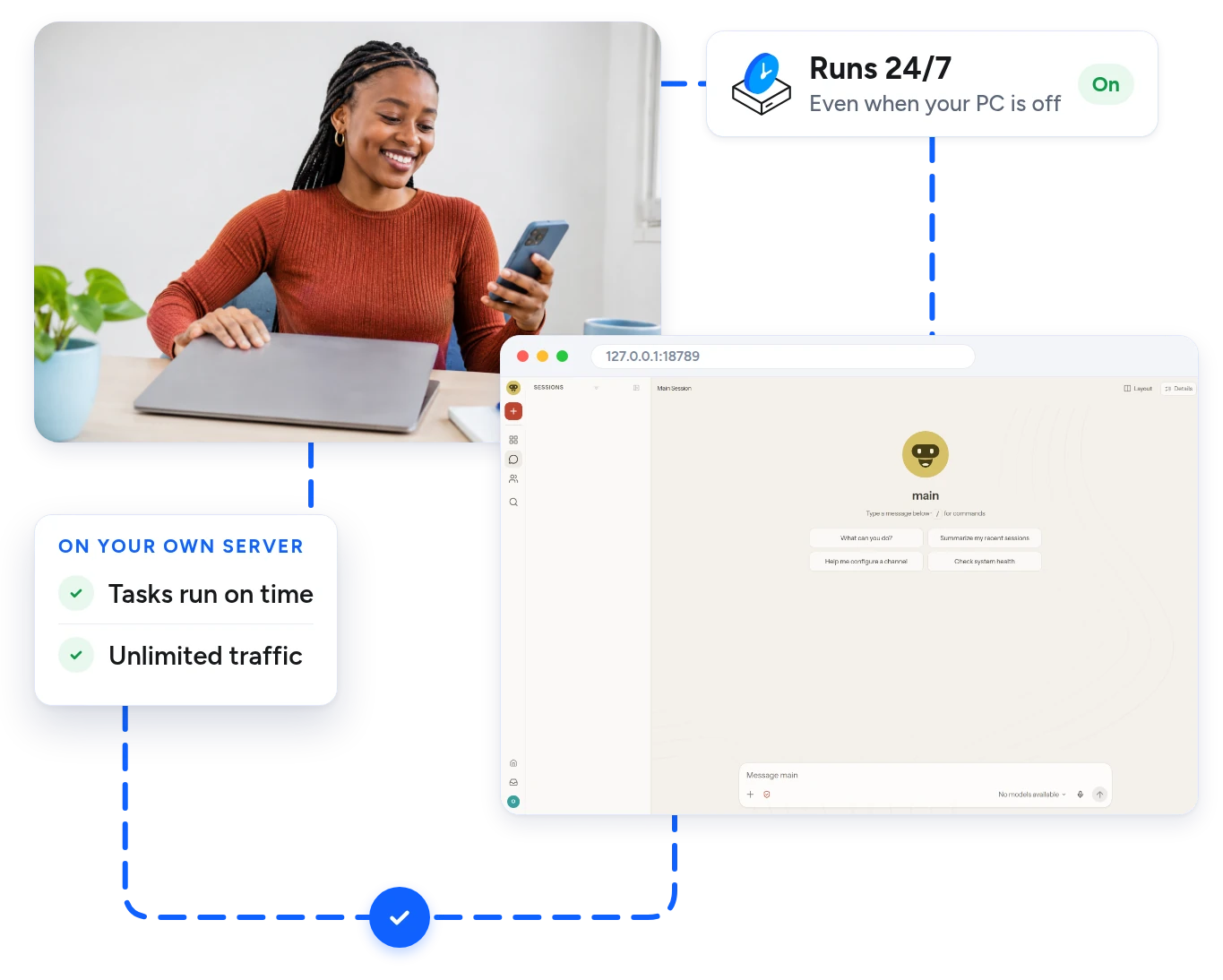
Always On

Your Agent Never Clocks Off

On your own computer, OpenClaw stops the moment you close the lid. On a cloud server it keeps answering messages and running tasks, day and night.

  • Keeps working when your PC is off
  • Tasks run on time, every time
  • Unlimited traffic on every plan
OpenClaw chat screen running on a cloud server
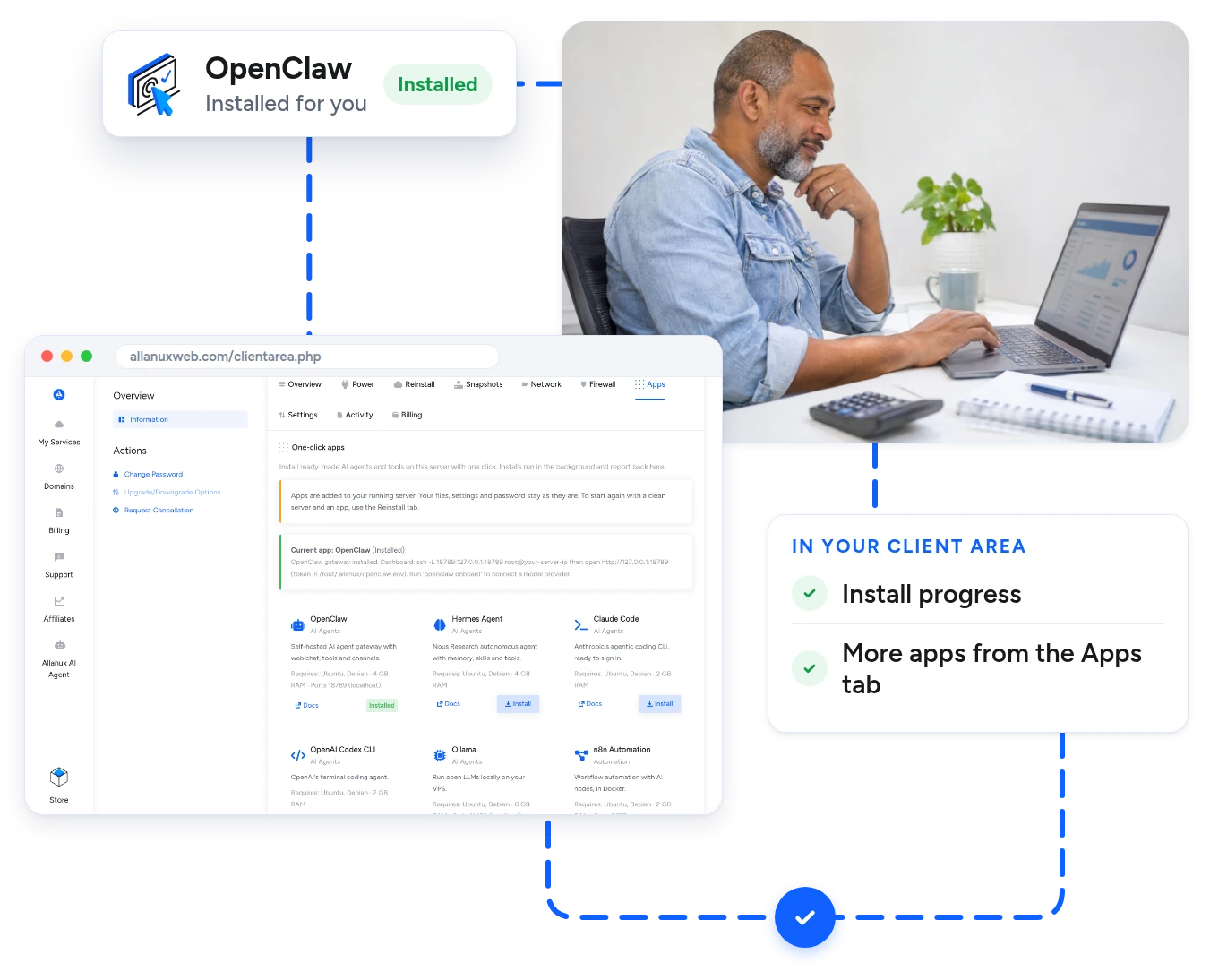
Deploys Automatically

No Setup To Do

Pick OpenClaw on the order form. OpenClaw and Node.js deploy automatically while your server is built. You can follow each step in your client area.

  • Ready a few minutes after your order
  • Live progress in your client area
  • Add more apps later from the Apps tab
Client area Apps tab showing OpenClaw installed
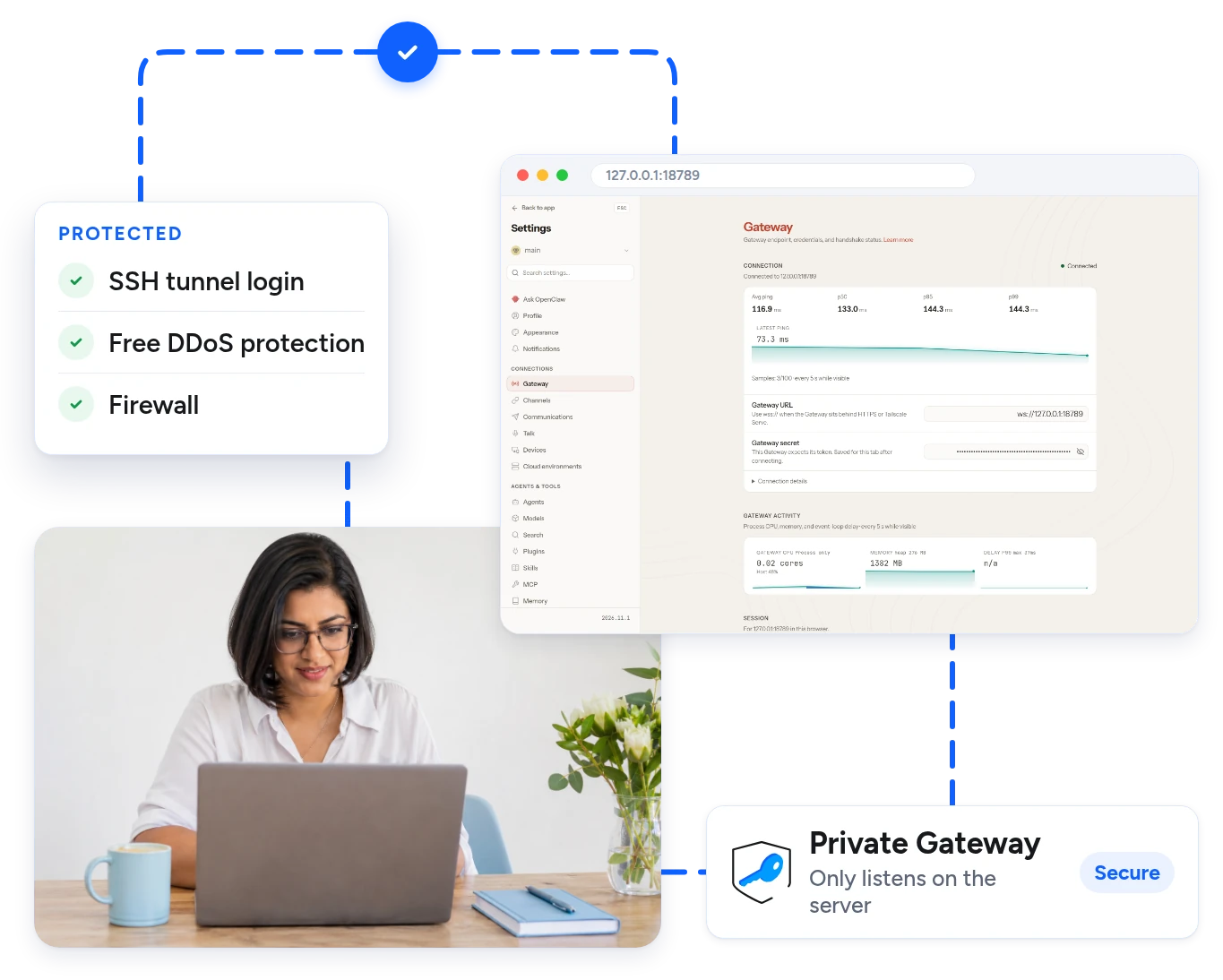
Secure Gateway

Private By Default

The OpenClaw gateway only listens on the server itself and asks for a login token. Nothing is open to the public internet until you choose to open it.

  • Dashboard reached through a secure SSH tunnel
  • Free DDoS protection and firewall
  • Your chats and files stay on your server
OpenClaw gateway settings on a private server
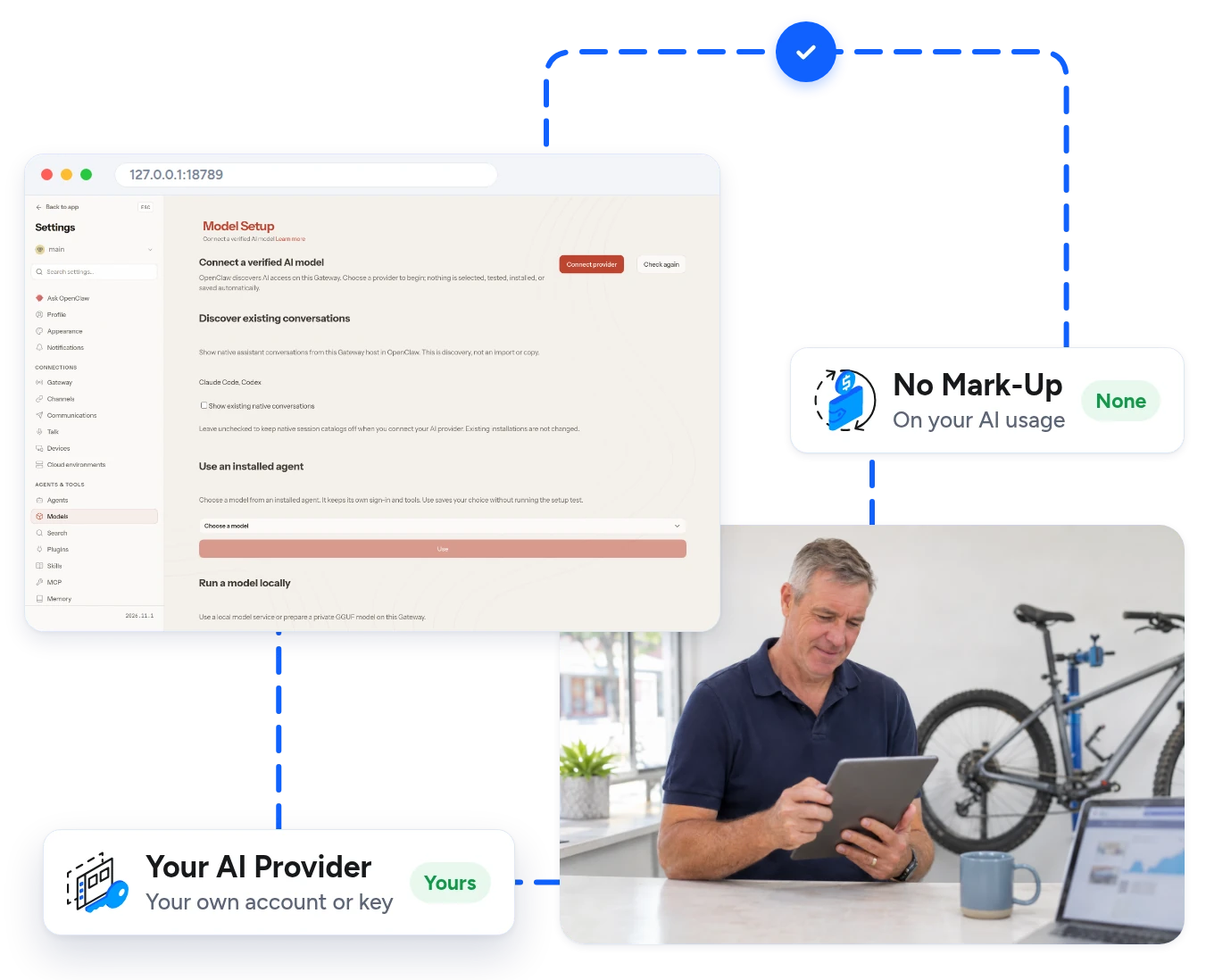
Your Own Models

Use The AI You Prefer

Connect the AI provider you already use with your own account or key. We do not add any mark-up to your AI usage.

  • Works with the major AI providers
  • You stay in control of your AI costs
  • Run open models with Ollama on bigger plans
OpenClaw model setup screen for connecting an AI provider
What OpenClaw Can Do

Put Your AI Agent To Work

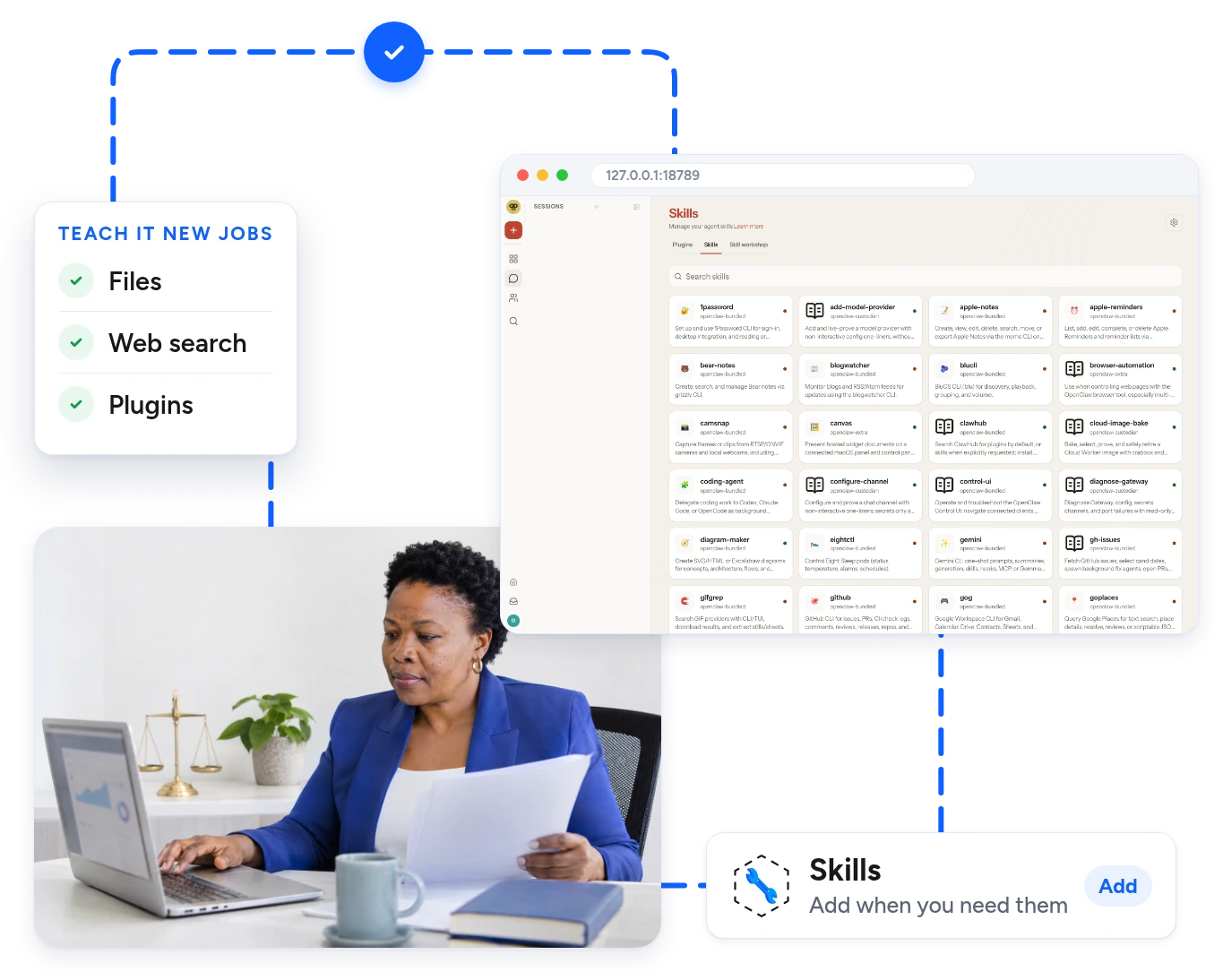
Talk to OpenClaw from the apps you already use, and let it handle the routine jobs.

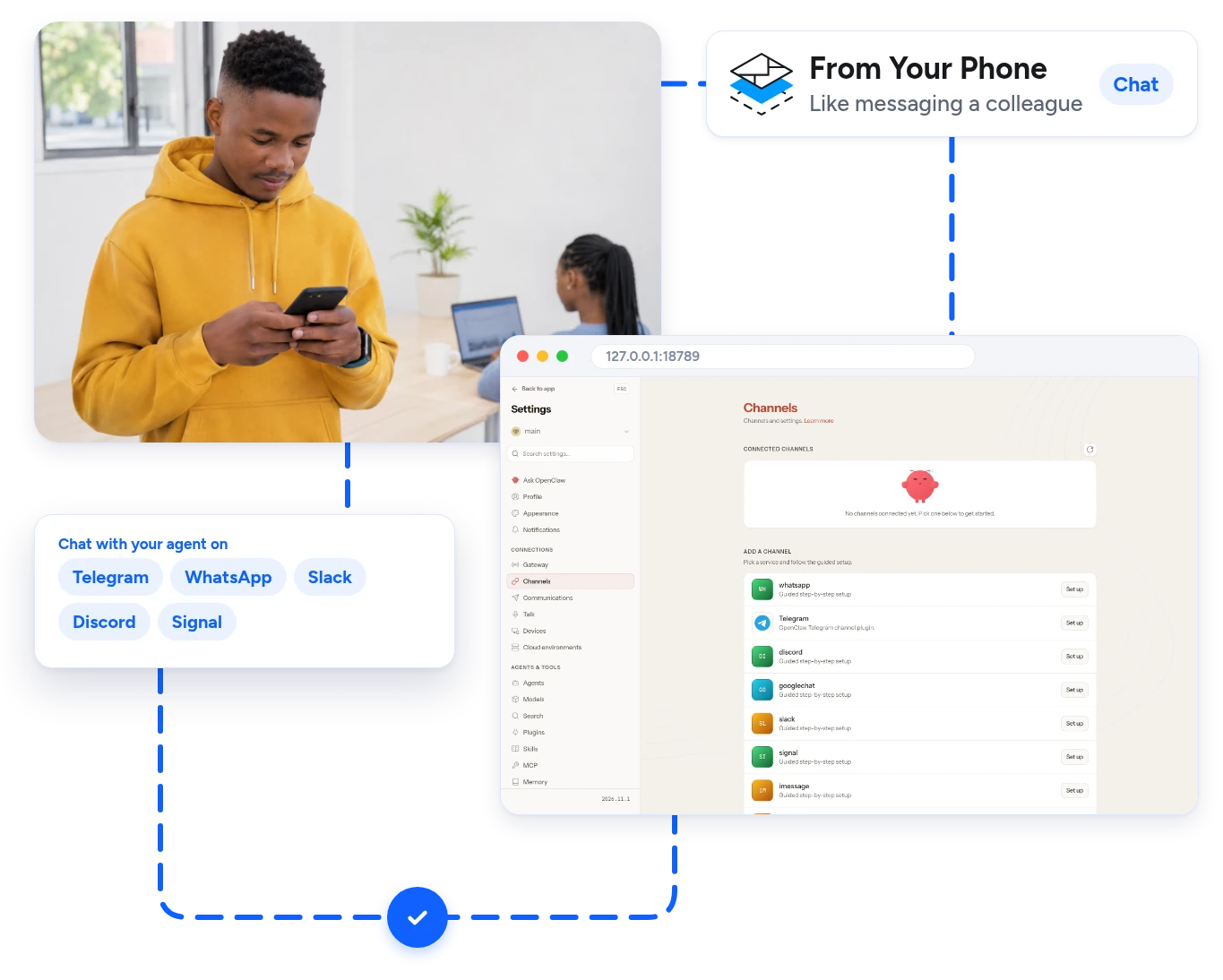
Chat From Your Phone

Link OpenClaw to the chat apps you use every day and send it a message like you would a colleague.

  • Telegram And WhatsApp Message your agent from your phone.
  • Slack And Discord Bring it into your team chats.
  • Signal And More Many other channels are supported.
OpenClaw channels page with Telegram, WhatsApp, Slack and Discord
How It Works

Get OpenClaw Running In 4 Simple Steps

From your order to a working AI agent.

  1. Step 1

    01Choose Your Plan

    Pick a plan and select OpenClaw under AI Agent / App on the order form.

  2. Step 2

    02OpenClaw Deploys Automatically

    Your server is built with Ubuntu 24.04 and OpenClaw deploys automatically. No manual work.

  3. Step 3

    03Open Your Dashboard

    Connect by SSH, run openclaw dashboard and open the link it gives you.

  4. Step 4

    04Connect Your Model And Chats

    Add your AI provider, then link Telegram, WhatsApp or your team chat.

More One-Click Apps

Run More Apps On The Same Server

Need more? Deploy other apps next to OpenClaw in one click from the Apps tab in your client area.
Hermes Agent logo
Hermes Agent
Claude Code logo
Claude Code
n8n logo
n8n
Docker logo
Docker
Ollama logo
Ollama
OpenAI Codex logo
OpenAI Codex
FAQs

OpenClaw Hosting FAQs

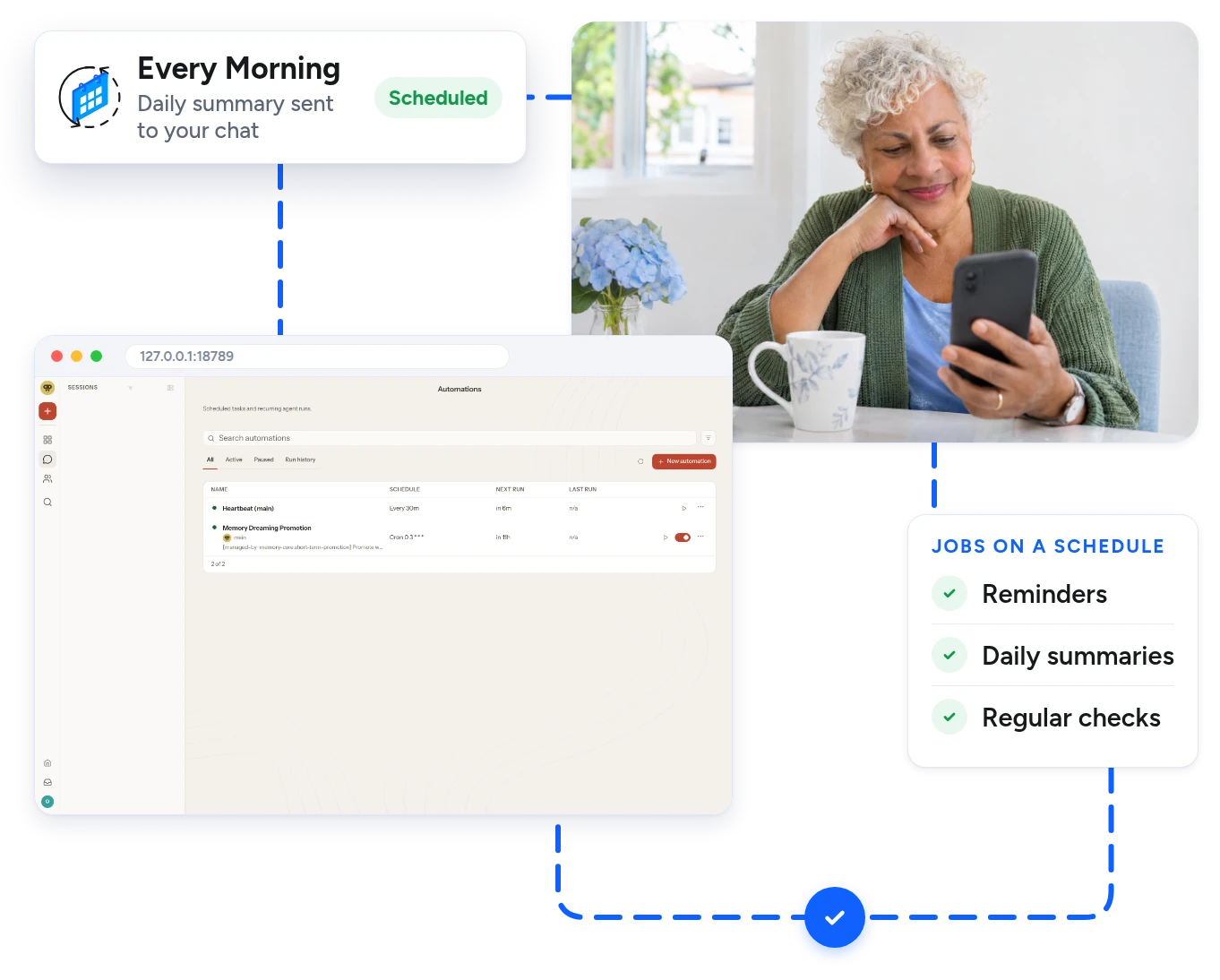
OpenClaw is an open-source AI agent. It chats with you through apps like Telegram and WhatsApp, runs scheduled tasks and uses tools on your server for you.

Yes. Choose OpenClaw under AI Agent / App when you order. It deploys automatically while your server is built, and your client area shows when it is ready.

Yes. OpenClaw needs an AI model to think with. You connect your own provider account or API key. We do not sell AI usage, so you pay your provider directly.

For safety the dashboard is not open to the internet. Connect with an SSH tunnel to port 18789, run openclaw dashboard on the server and open the link it prints.

OpenClaw needs at least 4 GB of RAM. Our Starter plan has 8 GB, which is plenty for one agent. Choose a bigger plan if you also want to run local models or other apps.

OpenClaw runs on Ubuntu or Debian. Ubuntu 24.04 is selected by default when you order.

No. It is an unmanaged VPS with full root access, so you look after OpenClaw and your settings. We look after the hardware, the network and your access to the server.

Yes. Open the Apps tab in your client area to add Hermes Agent, Claude Code, n8n, Docker and more next to OpenClaw.

Yes. It is your own server, so you choose when to update OpenClaw to a new version.

Yes. Every plan has a 30-day money-back guarantee.

Ready To Start?

Get Your Own OpenClaw Server Today

Your own AI agent on a private server, deployed automatically. Pick a plan and connect your model in minutes.